

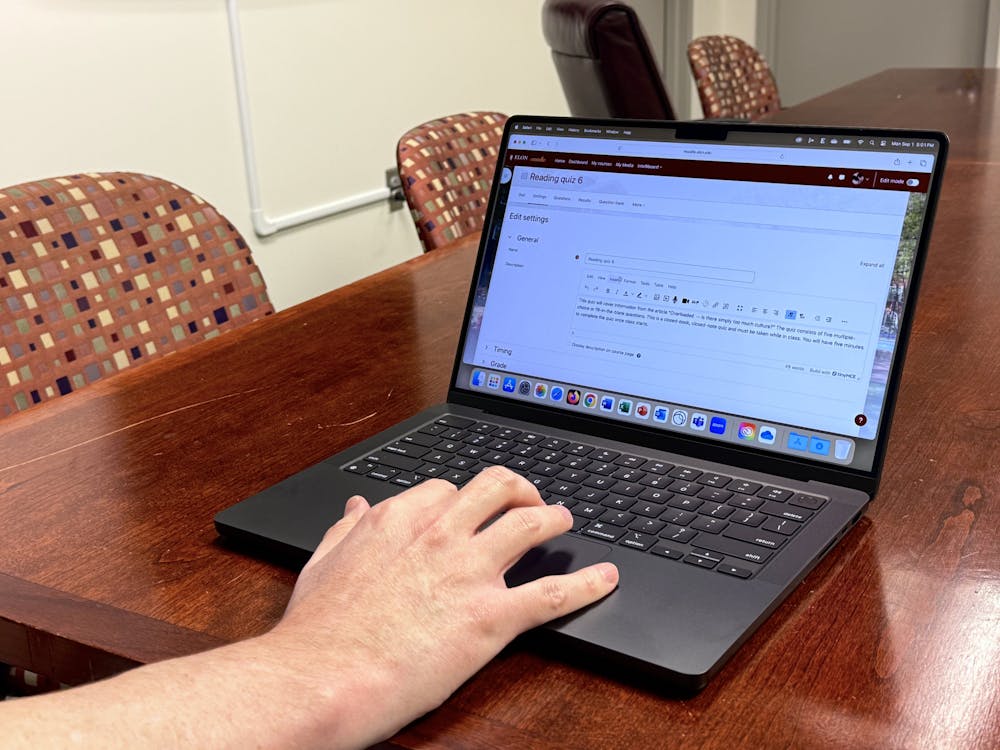
As fall semester classes start at Elon University, students and professors are getting their first look at Moodle 4.5, the latest update to the learning platform. Kelly Reimer, senior director of Teaching and Learning Technologies, declined an interview but wrote in an email statement to Elon News Network that the new update improves accessibility, modernizes the text editor and improves the user interface — also known as UI.
According to Reimer, Moodle 4.5 refined workflows for instructors to better manage their courses.
“Students will benefit from a more consistent, user-friendly experience that’s easier to navigate, especially as courses evolve with new learning tools,” Reimer wrote.
The update rolled out fully May 30, after the end of the 2024-25 academic year, though preparation began long before that. Reimer wrote that Teaching and Learning Technologies began testing 4.5 in the fall of 2024 to make the transition as smooth as possible for students and faculty.
“Some upgrades are minimal and low impact, while some are felt more broadly and have high impact,” Reimer wrote. “We are attentive and thoughtful in understanding how transitions impact our campus community.”
For students who did not take summer courses, the first week of the fall semester has been their first exposure to the update. Elon senior Liam Dupas said he’s glad the update wasn’t extreme, and that the new look doesn’t impact its usability.
“I know it’s gotten a different interface and slightly different UI, but I haven’t really felt like it’s been changed too much,” Dupas said.
In the first few days of mass usage, Moodle has been experiencing slowdowns and crashes across campus. Reimer wrote in an email statement to Elon News Network that these performance issues are not due to the Moodle update, but are a result of increased website traffic on Elon IT systems.
“Teaching and Learning Technologies staff have been working very closely with our Moodle hosting provider throughout the week,” Reimer wrote. “We know that systems like Moodle play a critical role in teaching and learning, so our attention has been focused on resolving these problems as quickly as possible.”
According to Reimer, those experiencing issues should call or submit a ticket to the Technology Service Desk.
For new students, the platform might be different than what they’re used to. Freshman Luke Morris said Moodle is different from his experience with Google Classroom and Canvas, two other classroom management platforms. Morris said with help from his professors, he’s figuring out how to use Moodle.
“I think once I get pretty good at it, I’m going to enjoy it a lot,” Morris said. “It’s simple, it has all my classes and it provides a calendar, so it seems like it will be pretty nice.”
According to Reimer, students in need of help navigating should use the “Navigating Moodle for Students” Moodle course. The course provides help with how to access course materials and assignments. Students can self-enroll in the course by searching for the course on Moodle and clicking “enroll” on the course’s page.